Dashboard
The dashboard summarizes the current workload across your Connect instance.
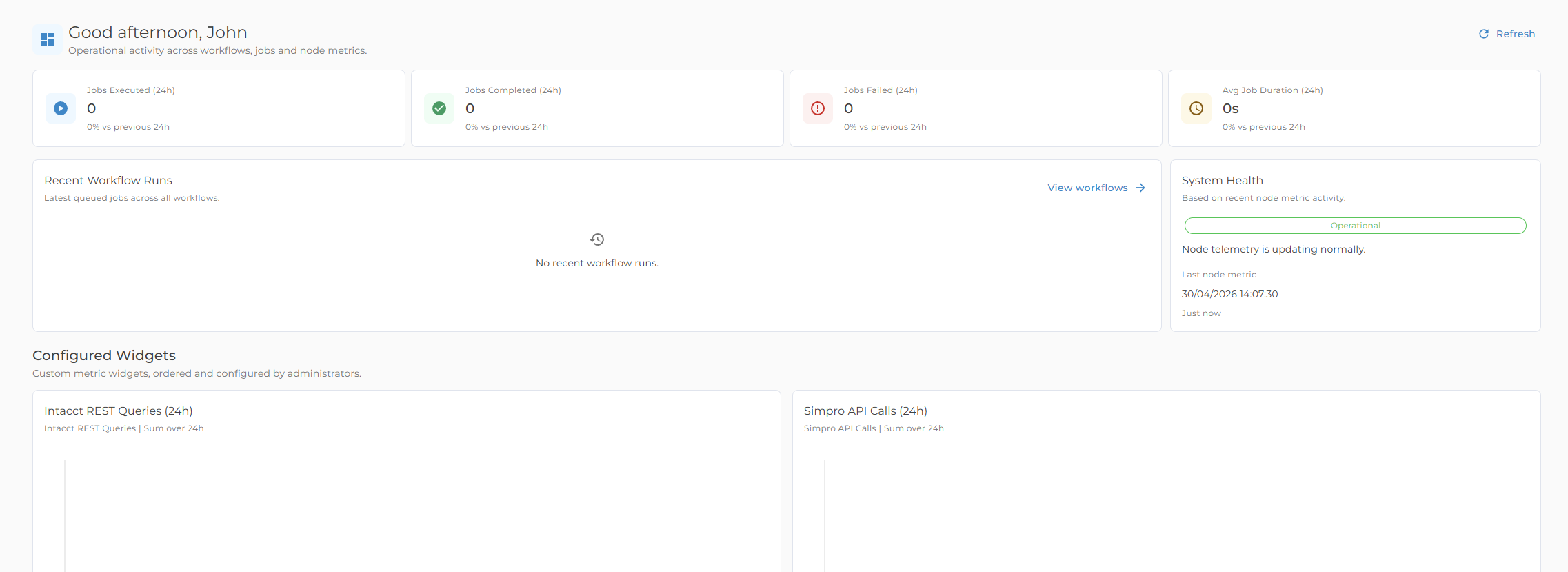
Workload cards
The dashboard cards provide a quick view of:
- Scheduled workflows
- Queued jobs
- Running jobs
- Completed jobs
Use these cards to spot unusual queue growth, delayed work, or recent completion volume.
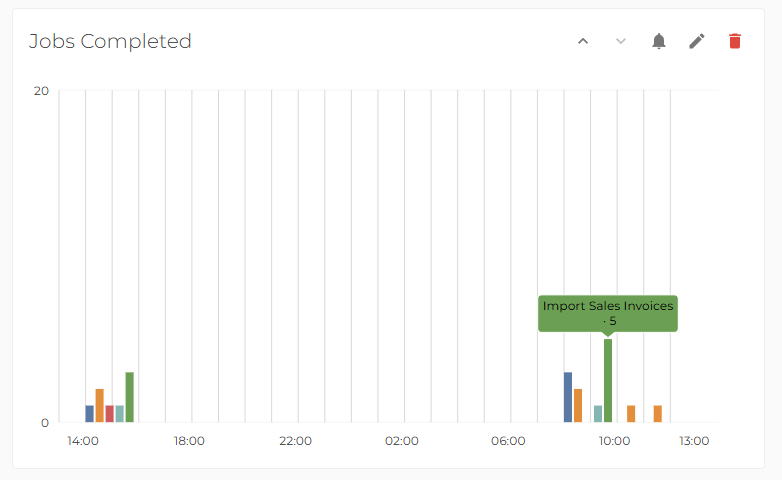
Charts
Charts show success and failure counts across useful time windows:
- Today
- Yesterday
- Total
When to use the dashboard
Use the dashboard at the start of the day, after scheduled processing windows, or before investigating a support issue.
For detailed run information, open the relevant workflow history or job log. The dashboard is a summary view; workflow logs are the source for run-level investigation.