Navigation
Use the left menu to move between sections. Items appear based on your role.
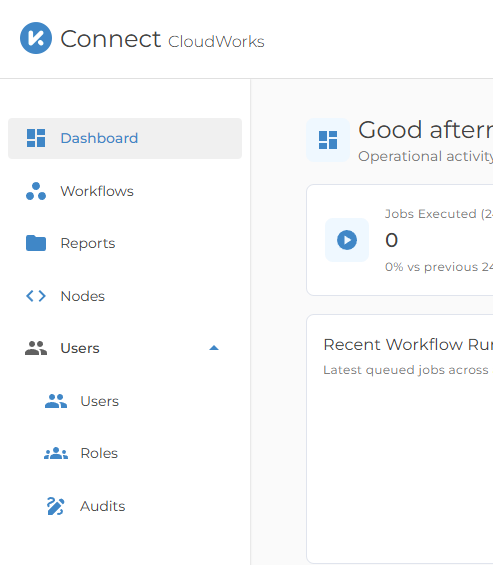
Main sections
- Dashboard: high-level workload and status summary
- Workflows: run workflows, preview data where available, and monitor workflow runs
- Reports: run reports, export report results, and manage schedules where permitted
- Nodes: review worker availability and status when workflow work is delayed
- Account: open profile, password, MFA, email, and trusted-device settings
Manager sections
Managers also see:
- Users
- Roles
- Audits
The available pages and actions may vary by customer configuration and role. If a page is not visible, your account may not have access to it.
System alerts
- A red banner appears if the node server is offline.
- Info banners appear for active system messages.
- A session or access message may appear if your sign-in state changes.
Support access
Use Help & Support in the sidebar if you need assistance.