Kinspeed Connect User Guide
Kinspeed Connect helps your organization run workflows, review results, and keep operational activity visible.
For a standalone copy suitable for sharing by email, download the Kinspeed Connect User Guide PDF.
Each customer uses their own Connect URL, such as:
company.connect.kinspeed.com
Use this guide for
- Signing in, password reset, account security, and MFA
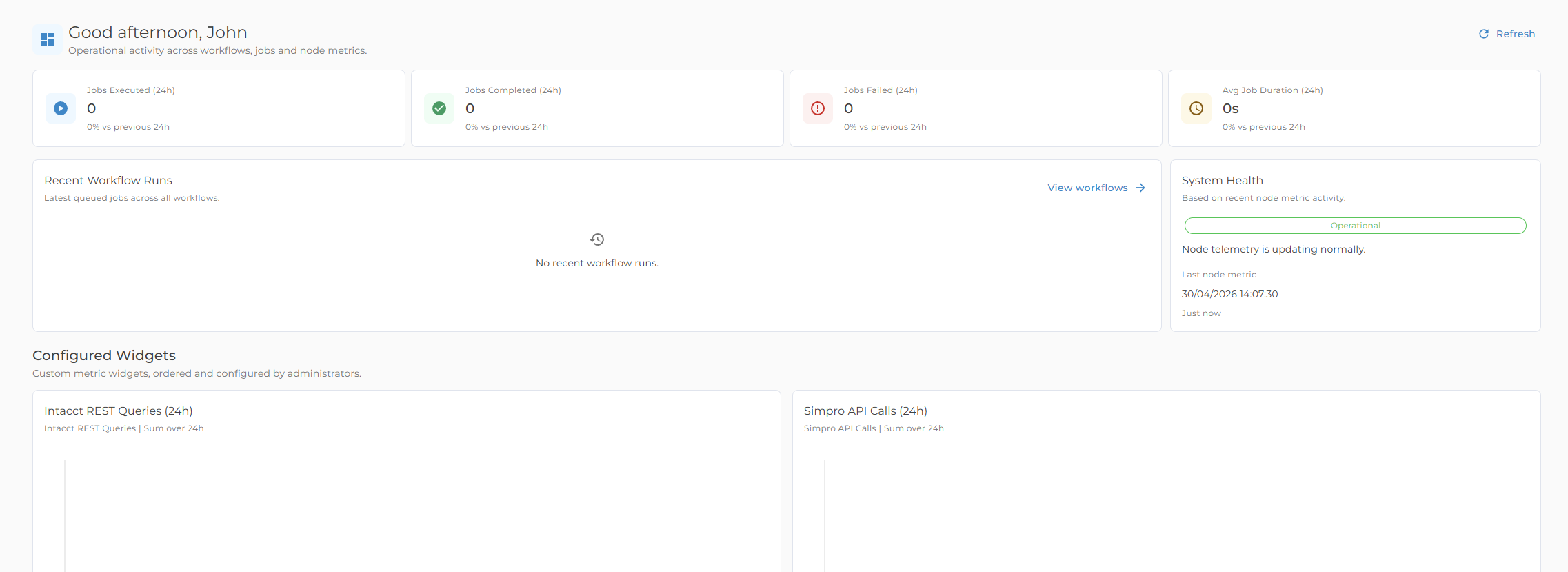
- Understanding the navigation, dashboard, notifications, and common status messages
- Running workflows, reviewing history, and exporting logs
- Running reports, viewing results, and managing report schedules where permitted
- Checking worker status when workflow work is delayed
- Managing customer users, roles, and audit logs if you are a Manager
- Knowing which changes are handled with Kinspeed support
Quick task guide
| Task | Where to go |
|---|---|
| Check current activity | Dashboard |
| Run a workflow | Workflows |
| Review a run | Workflows, then History or Logs |
| Run a report | Reports |
| Schedule report emails | Reports, then Schedules |
| Manage your password or MFA | Account |
| Add or update users | Users and Roles |
| Review user activity | Audits |
| Check access rules | Roles and Access |
| Ask for help | Support |
Customer-facing scope
This guide focuses on the areas customers and Managers use directly. Some platform capabilities, such as new workflow setup, policy changes, integrations, and advanced operational configuration, are managed with Kinspeed support rather than through the customer-facing pages.